
Summary
If your tasks, calendar, notes, and reminders live in separate places, the real drain is not missing tools but the constant checking and doubt created by app overload.
A useful all-in-one planner does more than hold everything in one place. It keeps tasks tied to actual calendar time and stays usable when meetings move and priorities change.
You are ready to consolidate when weekly plans look fine but daily execution feels crowded, and you spend more time maintaining systems than doing the work.
At some point, staying organized stopped feeling simple.
Your tasks live in one app. Your calendar lives in another. Notes, ideas, reminders, and follow-ups are scattered across tools that all promise to make work easier. Individually, each one does its job. Together, they create friction you feel every day. Extra clicks, constant checking, and that quiet doubt about whether something important slipped through.
This is how app overload sneaks in. Not through bad tools, but through too many good ones that do not talk to each other.
That is why more professionals are looking for an all in one digital planner. Not a prettier to-do list or another template to maintain, but a single place where tasks, time, and priorities actually come together. One system you can trust when the day fills up and plans change.
Because productivity does not break down when you lack tools. It breaks down when your attention is spread too thin trying to manage them all.
What People Mean by an All-in-One Digital Planner Today
The idea of an all in one digital planner has changed over the years. What once described a single file or template now carries much higher expectations, especially for people managing real workdays.
The Traditional Definition
For a long time, an all in one digital planner meant everything was technically in one place. A single PDF or template combined a calendar, task lists, goal pages, and notes. It looked organized and felt satisfying to set up.
The problem was upkeep. Plans had to be adjusted manually. Tasks did not move unless you moved them. Once the day drifted off track, the planner quickly became a record of good intentions rather than a tool you could rely on.
The Modern Expectation
Today, professionals expect more than consolidation on paper. They want a system that stays current as work changes throughout the day.
A modern all in one digital planner is expected to update in real time, reflect actual availability, and work across devices. Tasks should not require constant re-entry, and the planner should feel connected to the tools where work already happens.
In other words, everything being in one place is no longer enough. What matters is whether that place stays useful once the day gets busy.
Must read: What is a Digital Planner & How to Get Started in 2025?
The Real Cost of App Overload
App overload rarely feels like a problem at first. Each tool solves a specific need, and adding one more often feels like a small upgrade. Over time, those small additions start working against you.
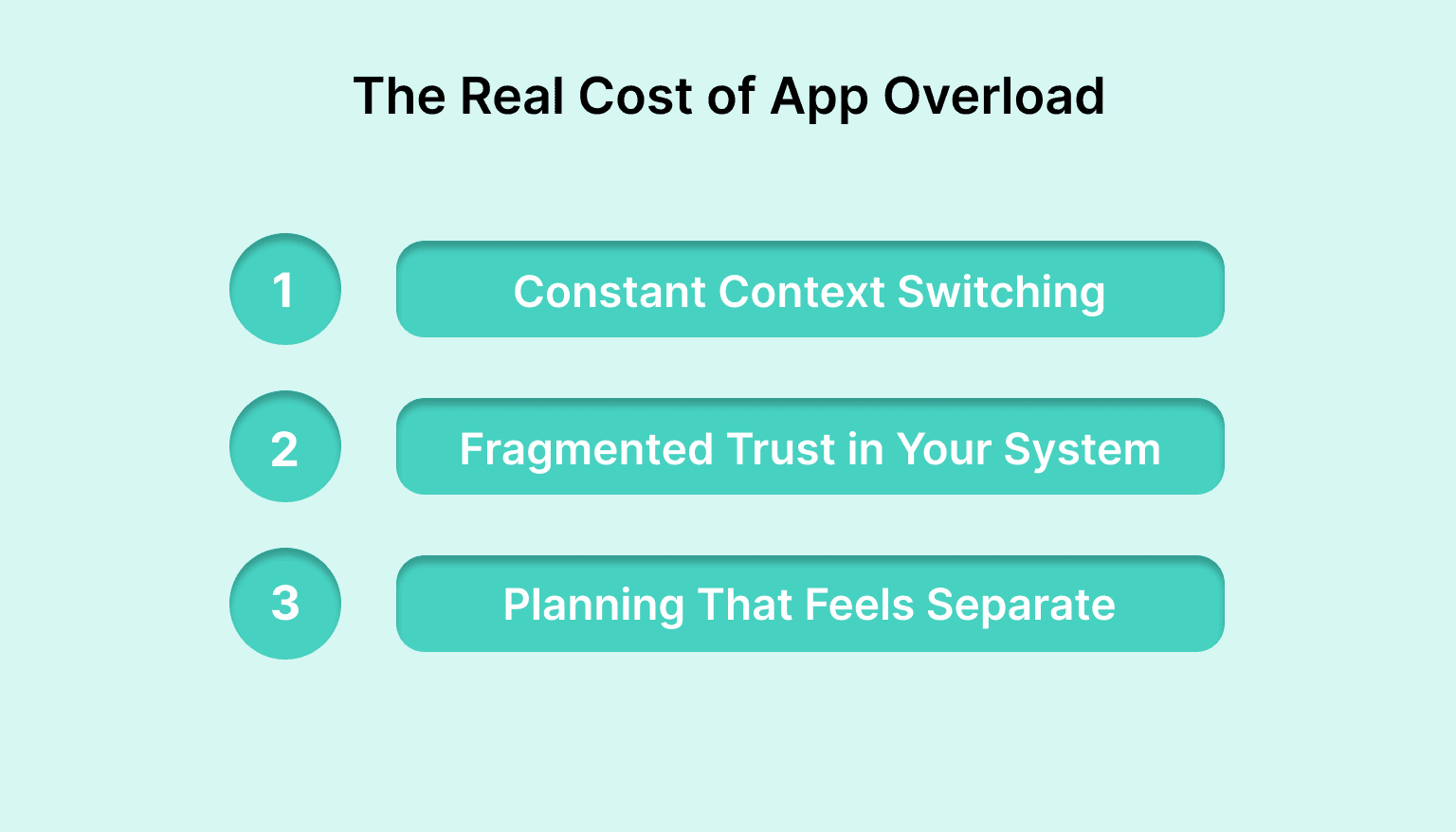
Constant Context Switching
Every time you move between apps, your focus resets. You check a task manager, jump to your calendar, open notes, then return to your inbox. None of these moments feel significant on their own, but together they break concentration and slow momentum throughout the day.
Instead of working on the task itself, you end up working on the process of finding it.
Fragmented Trust in Your System
When information is spread across tools, confidence drops. You hesitate before closing a tab because you are not sure everything important is captured. You double-check lists, scan calendars, and still wonder if something is missing.
That mental background noise makes it harder to commit fully to the work in front of you.
Planning That Feels Separate From Doing
Many people plan in one app and execute in another. Weekly plans look neat, but daily reality unfolds elsewhere. Meetings shift, tasks pile up, and the plan stops reflecting what is actually possible.
When planning and execution live apart, the planner becomes something you visit occasionally rather than something that guides your day.
Why Consolidation Works When It Is Done Right
The goal of an all in one digital planner is not just to reduce the number of apps you use. It is to reduce the mental effort required to decide what to work on next.
One Source of Truth
When tasks, deadlines, and time blocks live in one place, you stop cross-checking. There is no need to wonder whether a task is hiding in an inbox or buried in notes. What you see is what you have committed to.
That clarity makes it easier to start and easier to trust your plan.
Planning and Execution Share the Same Space
Consolidation works best when planning is not a separate activity from doing the work. When tasks are placed directly into your calendar, the plan reflects real time, not ideal time.
As the day changes, your plan changes with it. You are not rewriting lists or starting over. You are simply adjusting the same system you already use.
Less Setup, More Follow-Through
A good consolidated planner removes small decisions. You do not have to decide where a task belongs or how it should be tracked. Everything follows the same path from capture to completion.
That simplicity is what makes consistency possible, even on days when focus is limited and time is tight.
Also read: The Best Apps to Use Digital Planner Workflows in 2025
Where Many All-in-One Digital Planners Fall Short
Not every all in one digital planner delivers on the promise of consolidation. Many bring everything into one place, but stop there.
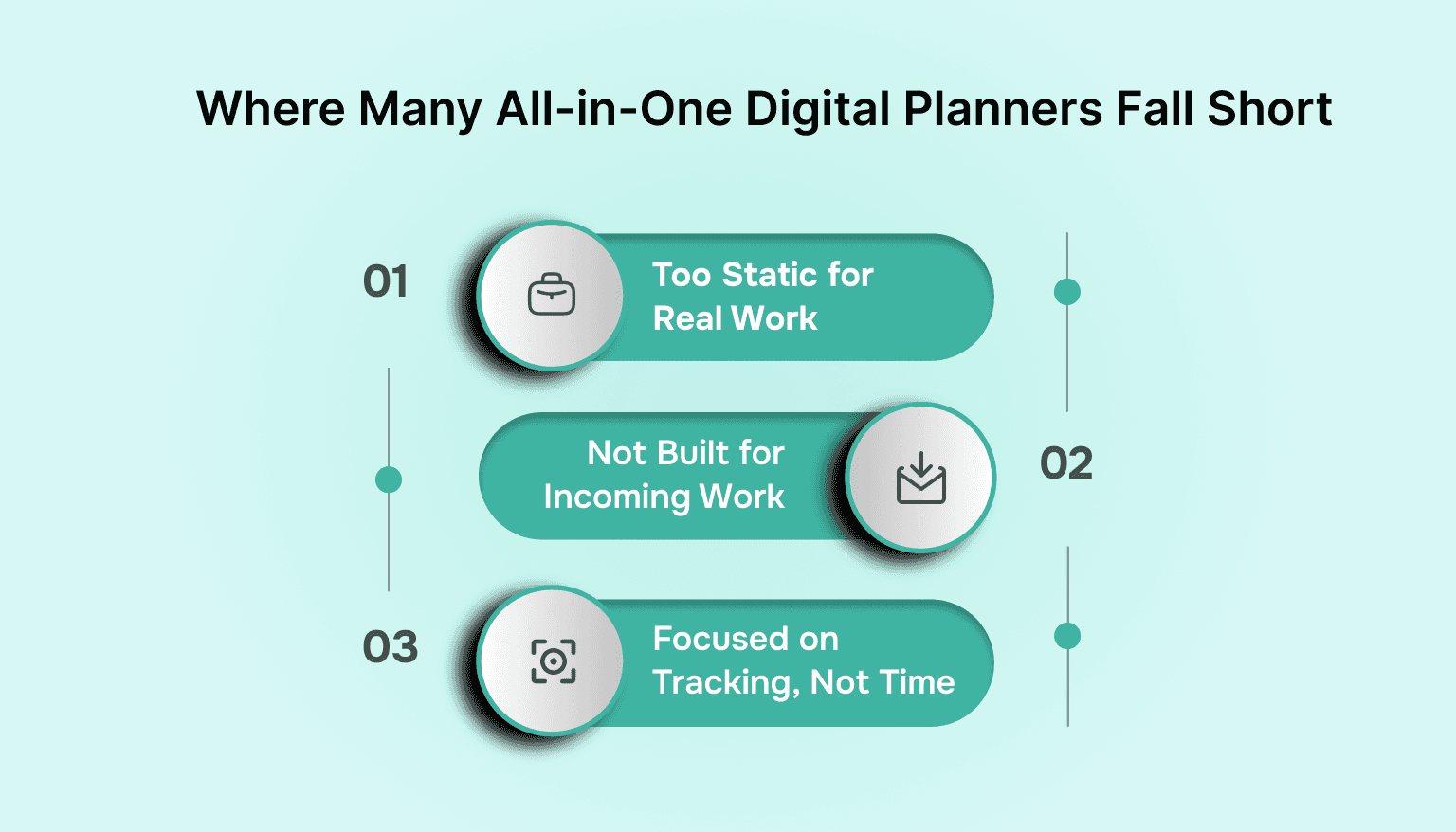
Too Static for Real Work
Templates and fixed layouts assume your day will go as planned. In reality, meetings move, priorities shift, and urgent work appears without warning. When a planner cannot adjust easily, it becomes something you update after the fact rather than something that supports decisions in the moment.
Not Built for Incoming Work
Most planners assume you will manually add tasks. That works until work starts coming from email, chat tools, meetings, and shared systems. Copying tasks by hand adds friction, and friction leads to gaps.
If capturing work takes effort, important items will eventually stay uncaptured.
Focused on Tracking, Not Time
Many planners excel at listing tasks but ignore the reality of the calendar. Days fill up whether tasks do or not. Without a clear connection between tasks and available hours, lists grow longer while days stay just as full.
At that point, consolidation exists in name only. The planner may hold everything, but it does not help you decide what actually fits today.
The All-in-One Digital Planner as a Daily Command Center
The most useful all in one digital planners do more than store information. They support decision-making as the day unfolds. Some modern tools, including Akiflow, approach this by treating the planner as a working space rather than a static layout.
Everything Flows Into One Inbox
Instead of deciding where tasks belong, work is captured once and reviewed later. Tasks coming from messages, email, meetings, or quick notes all land in the same place, reducing the need to check multiple tools just to stay up to date.
With a single inbox, attention stays on doing the work rather than collecting it.
Time Is Treated as a Real Constraint
When a planner is connected to a calendar, planning becomes grounded in reality. Tasks are not just written down. They are placed into available time.
This approach makes it easier to see what fits into the day and what needs to move. Tools like Akiflow emphasize this connection so planning reflects actual capacity, not optimistic estimates.
Plans Adjust Without Starting Over
Days rarely go exactly as planned. A useful all in one digital planner allows tasks to be moved, reordered, or postponed without friction.
When adjustments are simple, the planner remains relevant even when schedules change. Instead of abandoning the plan, you adapt it and continue working from the same place.
Who Benefits Most From an All-in-One Digital Planner
An all in one digital planner is not about controlling every minute. It is about creating enough structure to work with clarity, even when days are unpredictable. Certain roles tend to feel the difference immediately.
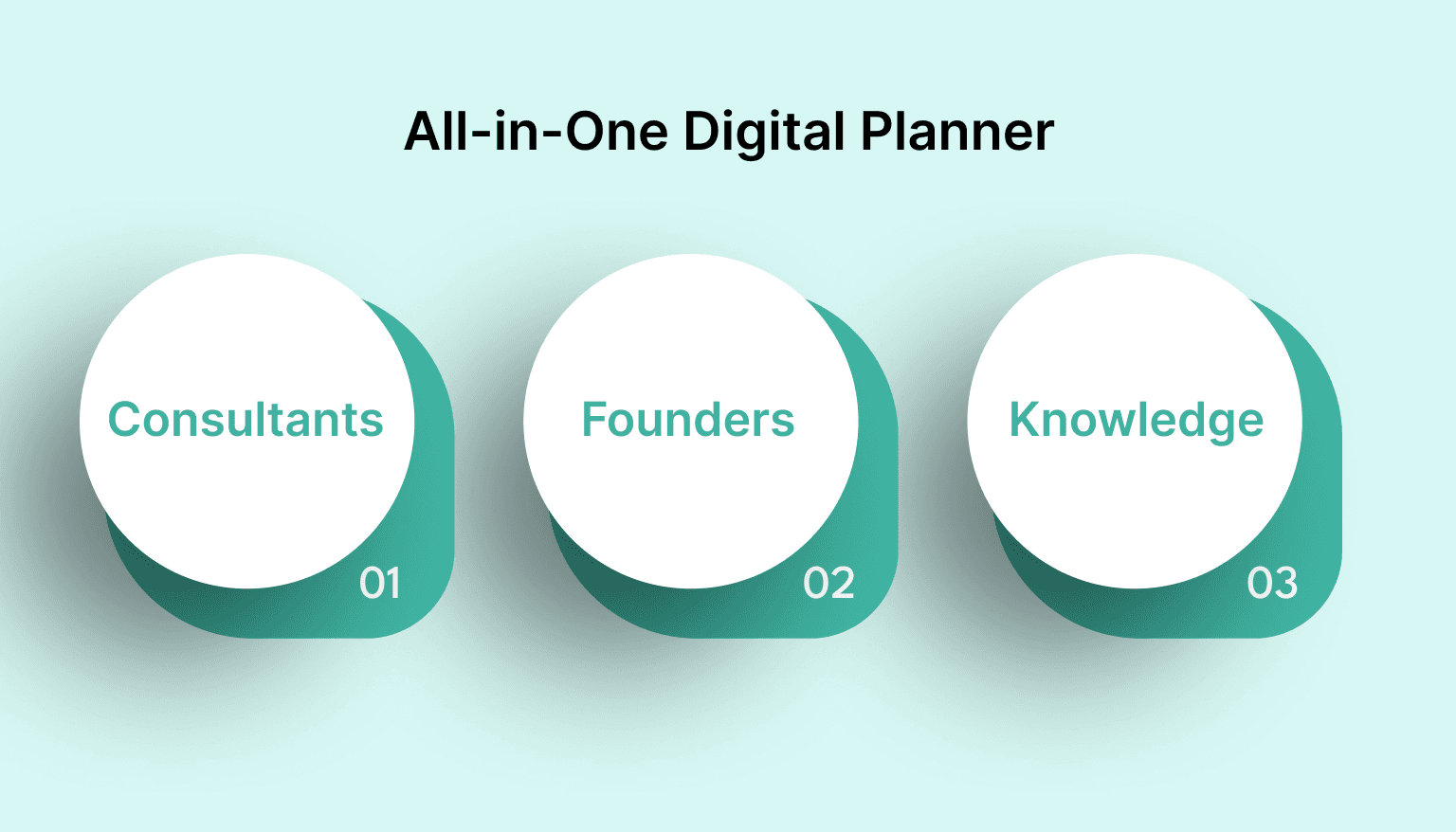
Solo Professionals and Consultants
When you work independently, you are responsible for tracking everything. Client work, follow-ups, deadlines, and personal commitments often compete for the same hours. A single planning system reduces the overhead of managing multiple tools and keeps daily priorities visible.
Founders and Operators
Work arrives from many directions at once. Messages, meetings, internal requests, and strategic tasks all compete for attention. Consolidation helps turn that steady stream into a manageable plan, rather than a constant state of reaction.
Knowledge Workers Who Live in Their Calendar
For people whose days revolve around meetings, the calendar already defines reality. An all in one digital planner that respects time makes it easier to plan around those constraints and protect focus where possible.
Instead of fighting the calendar, the planner works with it.
Also read: Top ADHD Planner Apps to Boost Time Management and Productivity
How to Tell If You Are Ready for an All-in-One Digital Planner
Consolidation only works when it solves a real problem. If your current setup already feels calm and reliable, change may not be necessary. For many people, though, the signals are easy to recognize.
You may be ready for an all in one digital planner if these situations sound familiar:
You regularly pause to remember where you captured a task
Your task list and your calendar tell different stories about the day
Weekly plans look reasonable, but daily execution feels crowded
You spend time maintaining systems instead of doing the work itself
You want fewer tools, not another layer on top of them
These are not signs of poor discipline. They are signs that your tools are asking too much of your attention.
When planning feels heavy, consolidation is often less about improvement and more about relief.
What to Look For in an All-in-One Digital Planner
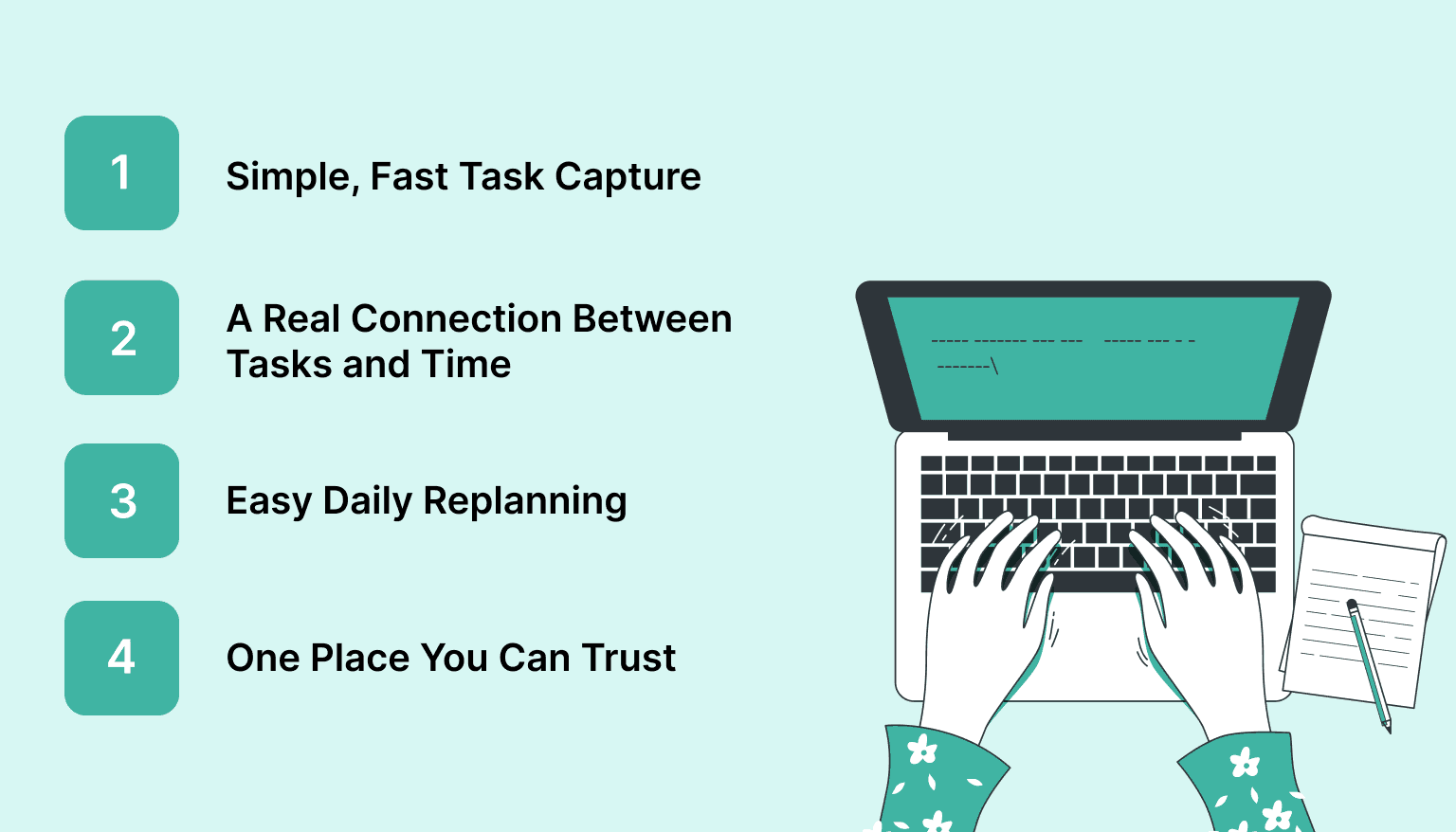
Once consolidation becomes the goal, the question shifts from how many features a planner has to how well it supports real workdays. A good all in one digital planner should make planning feel lighter, not more involved.
Simple, Fast Task Capture
Tasks should be easy to record the moment they appear. Whether they come from messages, email, or a quick thought, capturing work should take seconds, not a deliberate setup process.
A Real Connection Between Tasks and Time
A planner should reflect the limits of the day. When tasks can be placed into actual calendar space, it becomes easier to make realistic choices and avoid overcommitting.
Easy Daily Replanning
Plans rarely survive unchanged. Look for a system that allows tasks to be moved, deferred, or reordered without friction. Adjusting your day should feel like a small correction, not a restart.
One Place You Can Trust
Above all, the planner should feel dependable. When you open it, you should feel confident that it shows what matters now, without needing to cross-check other tools.
That sense of trust is what turns a planner from something you manage into something you rely on.
Conclusion
Most productivity problems are not caused by a lack of effort. They come from scattered attention and systems that ask you to manage too many moving parts at once.
An all in one digital planner works because it brings tasks, time, and priorities back into the same space. When everything that matters lives together, decisions become simpler and the day feels more grounded.
Consolidation is not about rigid control or perfect plans. It is about reducing the background noise that makes work feel heavier than it needs to be. With fewer tools competing for attention, there is more room to focus on the work itself.
If you are curious what a command-center style planner feels like in practice, Akiflow is built around this exact idea. It brings tasks and time together in one place so planning stays realistic, even when the day changes. Try for free!
FAQs
Q: What is the best digital personal planner?
A: The best digital personal planner is one that combines tasks, calendar, and priorities in a single system you can trust daily. For professionals managing real workloads, planners that connect tasks directly to time tend to work better than static templates or long lists.
Q: How do you create an all in one digital planner?
A: An all in one digital planner starts with one place to capture tasks, one calendar to reflect real availability, and a simple way to review priorities daily. The key is consolidation. Avoid spreading planning across multiple tools and focus on a system that stays usable as plans change.
Q: What device is best for a digital planner?
A: The best device depends on how you work. Tablets are popular for handwritten planning, while laptops and desktops work better for calendar-driven workflows. Many professionals prefer planners that sync across devices so planning is not tied to a single screen.
Q: Can AI create a digital planner?
A: AI can help structure a digital planner by organizing tasks, suggesting priorities, or helping plan a day. However, the planner is only useful if it reflects real time and real commitments, which still requires a system designed around daily decision-making.
Q: Is a digital planner worth it?
A: A digital planner is worth it when it reduces friction rather than adding setup work. If it helps you see what fits into your day, adjust plans easily, and stop juggling multiple apps, the value shows up quickly in calmer, more focused workdays.


