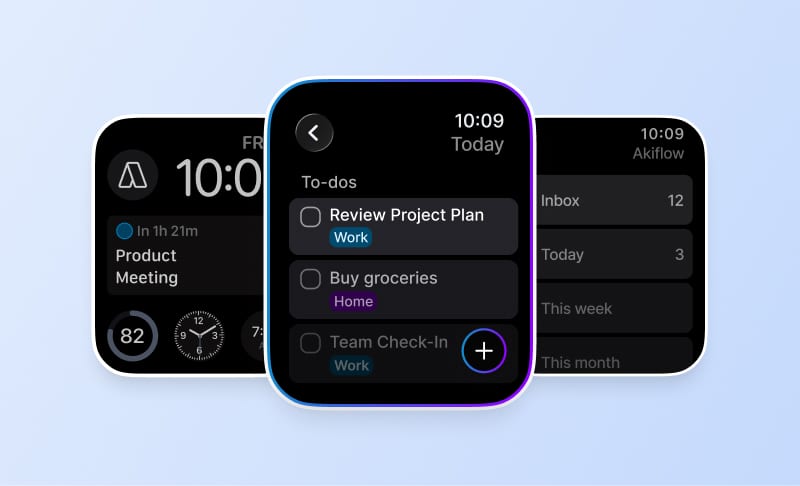
New Release: Upcoming View, Todoist 2-Way Sync & More!

2

Summary
At publication time, Akiflow announced an Upcoming view, opened with U, for reviewing planned tasks and schedules over time.
The release introduced Todoist two-way synchronization with explicit caveats for deletions, newly created or edited tasks, and imports older than 120 days.
Akiflow also announced expanded search, task duplication, calendar task creation, link handling, referral sharing, and several interface refinements.
I am super excited to announce that we just released a huge new update.
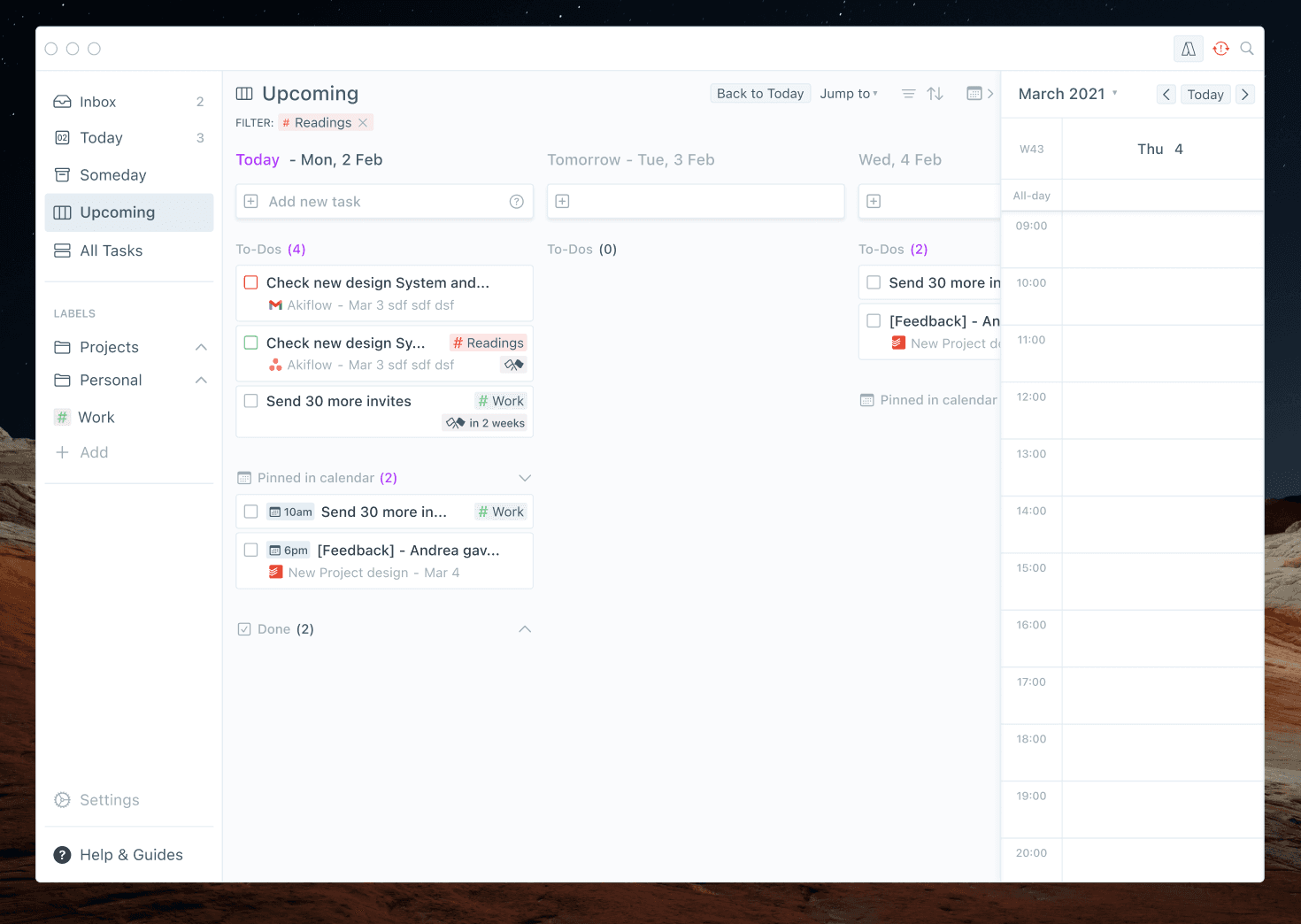
🆕 Upcoming: view of planned tasks
Hit U to jump on this brand new view! Here you can quickly check your schedule over time.
🔄 Todoist 2-way sync
Your edits on a Todoist task in Akiflow will be reflected on Todoist and vice-versa.
⚠️ Important information
Deleting a task in Akiflow will not be reflected in Todoist.
The 2-way synch will only work from tasks created/edited from today onwards.
We now import tasks that are older than 120 days. You may find new tasks in your Inbox.
Learn more: Our Product Development Process
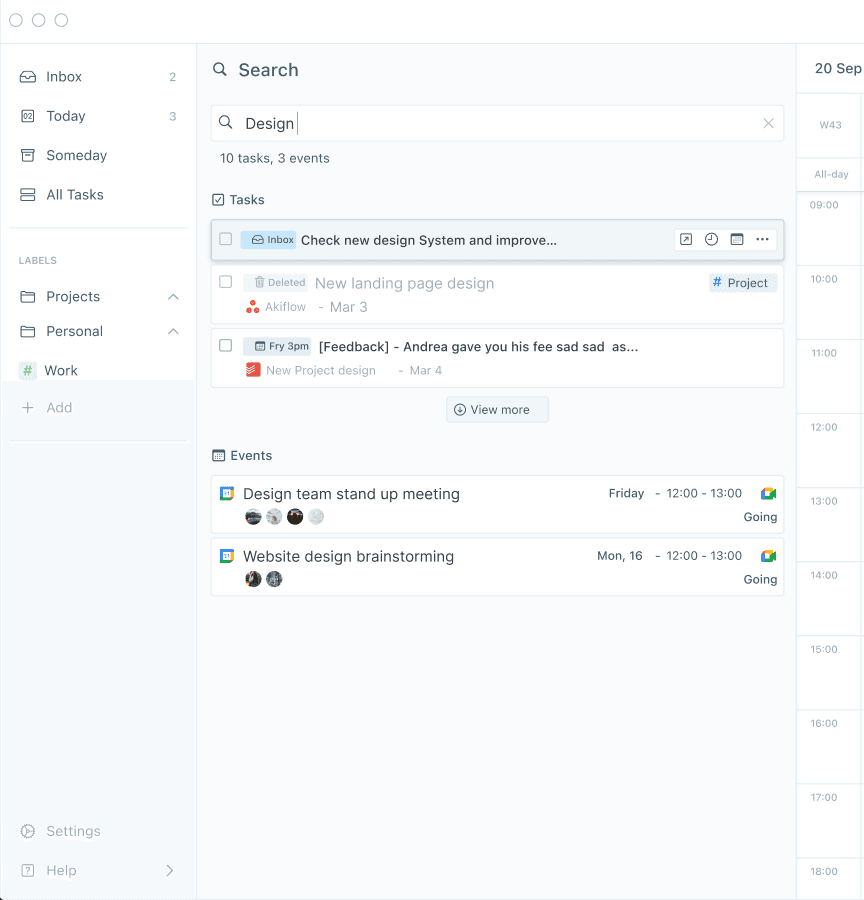
🔎 New Search features
You can now search for:
🗓 Events titles and descriptions.
✏️ Task descriptions.
👥 Email addresses, to find every task or event related to that person.
→ Hit / or cmd/ctrl+F to open the Search bar!
🃏🃏 Duplicate tasks
Use cmd+D or the 3 dots menu to duplicate your tasks! -> The “From” section of the task won’t be duplicated because we can have only one task synched with a source task.
🌷 Improvements
🔗 Akiflow now adds links from your task titles/descriptions
in the “Links” field → use O to open all the selected tasks’ links!
✏️ Use cmd/ctrl + drag to create tasks directly from your calendar.
💬 Referral: you can now easily copy your referral link or invite via Whatsapp, Facebook, Twitter, LinkedIn, and, as always, email.
📊 Daily overview now shows only the label stats for completed tasks.
🕒 Share availability: the text shows more clearly the time zone selected.
🗓 The “Tasks planned for today” all-day event Akiflow creates on Gcal, now follows your default calendar visibility.
🔁 Task popup: show recurrence if the date is set.
✨ Akiflow has new fonts and icons.
🔧 Improved labels drag&drop in the menu.
🖥 ClickUp tasks open in the ClickUp Desktop app instead of the Browser.
Get to know more features: New Release: Share Availability, Bookable Links & More!
Frequently Asked Questions
What was the Upcoming view in this release announcement?
Akiflow described Upcoming as a new view for quickly checking a schedule over time. The announcement said users could press U to open it and see planned tasks. This answer reflects the behavior and shortcut documented in that historical release and does not claim that the current product uses the same interface.
How did the announced Todoist two-way sync work?
The article said edits to a Todoist task made in Akiflow would be reflected in Todoist, and edits in Todoist would likewise appear in Akiflow. It described that behavior as two-way synchronization in the release. The source also listed important limits, so this was not presented as unrestricted synchronization.
What Todoist synchronization caveats did Akiflow disclose?
At publication time, Akiflow said deleting a task in Akiflow would not delete it in Todoist. The article also limited two-way synchronization to tasks created or edited from that day onward and warned that importing tasks older than 120 days could cause additional items to appear in the inbox.
What could users search for after this update?
The release said search could find event titles and descriptions, task descriptions, and email addresses associated with tasks or events. It instructed users to open the search bar with the slash key or Command/Control-F. These search targets and shortcuts are reported as the article described them at publication time.
How did task duplication work in the announced release?
The article said users could duplicate a task with Command-D or through the three-dot menu. It also noted that the task’s From section would not be duplicated because only one Akiflow task could remain synchronized with a source task. That explanation reflects the release’s historical duplication behavior.