
Entrepreneurs do not struggle because they lack ambition. They struggle because their attention is constantly fragmented. Emails, Slack messages, investor updates, product roadmaps, and customer calls all compete for the same limited hours in a founder’s day. Without the right system, even the most capable founder can end a week feeling busy but not productive.
The real challenge is not finding more time, but deciding what deserves your attention. It is building a workflow that turns ideas into scheduled, focused execution. The right productivity apps can reduce context switching, automate routine decisions, and help you protect time for deep work that actually moves the business forward.
In this guide, we break down 10 must-have productivity apps for entrepreneurs. You will learn which tools help centralize tasks, simplify scheduling, improve focus, and create a practical system that supports consistent execution instead of constant overwhelm.
Key Takeaways
The best productivity apps do not just organize tasks. They reduce context switching, centralize inputs, and turn scattered work into structured execution.
Tools like Akiflow help entrepreneurs convert tasks into calendar time, making time blocking practical instead of theoretical.
Different tools serve different purposes, from task management and scheduling to time tracking and focus building, so the right stack depends on your workflow.
Automation and integrations are essential for founders who use multiple platforms daily and need everything connected without manual effort.
Productivity is not about using more apps. It is about choosing a focused set of tools that supports clarity, protects deep work, and improves weekly execution.
What Makes a Productivity App Essential for Entrepreneurs?
Entrepreneurs don’t have time for apps that demand constant upkeep. The best ones solve core pain points: scattered tasks, endless coordination, and decision fatigue. Key criteria include seamless integration with tools like Gmail or Slack, intuitive interfaces, and minimal learning overhead.
Automation is a game-changer too; features like AI-driven suggestions or auto-syncing reduce manual drudgery. But remember, entrepreneurs face unique hurdles: juggling solo deep work with team handoffs or syncing creative brainstorming with rigid deadlines. A strong productivity app should support collaboration without adding unnecessary workflow complexity. It should adapt to your rhythm, whether you’re pitching investors or coding late into the night.
How to Choose Productivity Tools That Fit Your Workflow?
Picking the wrong app is like wearing ill-fitting shoes in a marathon; it’s exhausting and slows you down. Start by auditing your day: Where do you lose time? If it’s endless back-and-forth emails, prioritize inbox integrations. Craving visuals for product roadmaps? Opt for board-style tools.
Ask yourself: Do you need solo focus apps or ones that shine in team settings? Mobile-first for on-the-go hustling, or desktop power for strategy sessions? How well does it mesh with your calendar or email? Test integrations early; tools that pull data from multiple sources save hours weekly.
Run a simple audit: Track one week with your current setup, then replace a single process with a new app, such as daily planning. Measure the delta in focus time or completed tasks.
10 Must-Have Productivity Apps for Entrepreneurs
Below is a curated list of productivity apps that help entrepreneurs manage tasks, schedule work, stay focused, and streamline daily operations. Each tool addresses a specific productivity challenge, helping founders build a more structured and efficient workflow.
1. Akiflow
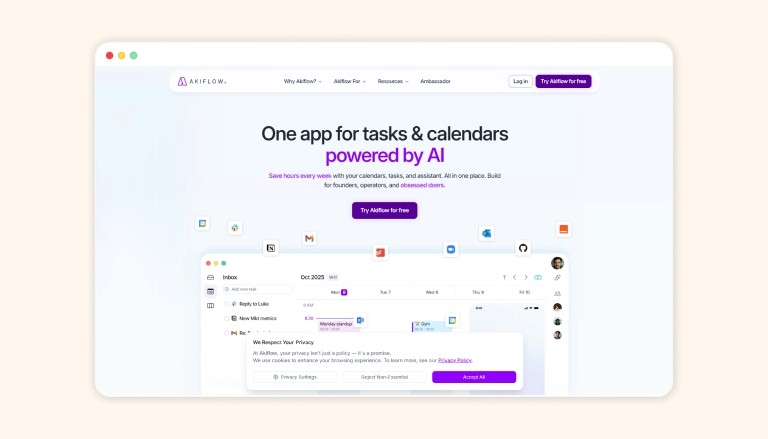
Akiflow stands out as the central hub for entrepreneurs overwhelmed by fragmented tools. This U.S.-based platform unifies tasks, calendars, and workflows into a single dashboard, importing data from over 3,000 apps, including Gmail, Slack, Todoist, Notion, Asana, and Trello.
With AI-powered scheduling and a universal inbox, it transforms scattered inputs into actionable plans, reducing app-switching by up to 50% and ensuring nothing slips through the cracks. This makes it especially useful for founders balancing strategy and execution.
Key Benefits for Entrepreneurs
Akiflow’s strength lies in its ability to centralize and automate without overwhelming users. Here’s how it addresses common entrepreneurial bottlenecks:
Universal Inbox for All Tasks: Automatically captures action items from emails, messages, and project tools, flagging priorities so you spot urgent items instantly. No more digging through Slack threads or Gmail labels; everything lands in one view, synced in real-time.
Time Blocking with Drag-and-Drop: Visualize your week by dragging tasks into calendar slots, with smart suggestions filling gaps based on deadlines and energy levels. This isn’t rigid; it adapts to changes, like rescheduling a client call, helping you commit to realistic plans over endless to-do lists.
AI Assistant Named Aki: Powered by natural language processing, Aki handles commands like “Schedule my investor pitch for next Tuesday” or “Reschedule low-priority emails to Friday.” It learns your patterns, automating routines such as weekly reviews or habit stacking, freeing mental space for big-picture decisions.
Focus Features and Rituals: Built-in modes block distractions during deep work sessions, with customizable rituals for morning planning or end-of-day wind-downs. Track focus streaks and get gentle nudges to stay on track, turning sporadic productivity into consistent output.
Integrations with the Tools You Already Use: Seamless connections to Gmail, Outlook, Slack, Zoom, Google Calendar, and more mean context switches vanish. For instance, a Zoom link auto-pulls into your task view, complete with prep notes from Notion.
These features aren’t gimmicks; they’re designed for the entrepreneur’s reality: juggling 10+ tools daily while scaling operations.
Why is Akiflow ideal for entrepreneurs?
Founders often drown in “task debt,” where ideas pile up without execution. Akiflow helps bridge the gap between intention and action, creating realistic schedules that account for meetings, creative bursts, and unexpected fires. A McKinsey report highlights that structured workflows boost decision-making efficiency by 40%, and Akiflow delivers exactly that, without the hype.
Feeling overwhelmed by juggling multiple apps? Try consolidating your tasks and calendar into one structured view with Akiflow. Connect your tools, block your priorities directly into your week, and see what a focused workday actually looks like.
2. Todoist
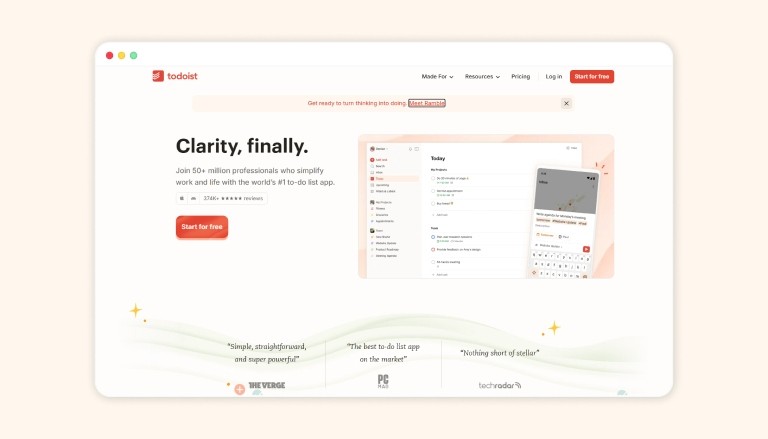
Todoist is a straightforward task manager designed for simplicity, allowing users to capture and organize ideas efficiently. It works across multiple devices and offers features such as quick-add entries, recurring tasks, and natural-language input for easy task creation. It works well for individuals who want a reliable task list that syncs across devices, helping them manage daily priorities with less cognitive effort.
However, while Todoist excels at ease of use and basic task management, it may lack advanced project visualization and collaboration features required by larger teams or complex workflows, potentially limiting its effectiveness for some entrepreneurial use cases.
Key Features
Natural language input for quick task creation with due dates, priorities, and labels (e.g., “Call mom tomorrow p1 #Family”).
Projects and sections to categorize tasks hierarchically, supporting sub-tasks for breaking down complex work.
Four priority levels (P1 red for highest, down to P4) to focus on what matters most.
Today and Upcoming views show scheduled tasks with drag-and-drop rescheduling for daily or weekly overviews
3. Trello
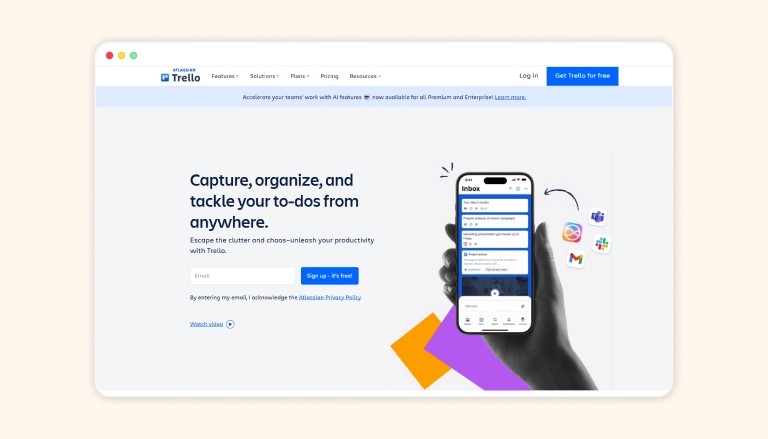
Trello’s Kanban-style boards turn abstract projects into visual pipelines, ideal for entrepreneurs mapping product launches or marketing campaigns. Drag-and-drop cards track progress from ideation to done, with power-ups for automation. It’s collaborative yet solo-friendly, helping founders visualize bottlenecks without spreadsheets.
Key Features
Boards serve as project hubs, containing lists that represent workflow stages (e.g., “To Do,” “In Progress,” “Done”).
Cards capture individual tasks, with options for descriptions, checklists, labels, due dates, and attachments.
Drag-and-drop functionality moves cards between lists to reflect progress visually.
Assign members to cards, add comments, and use @mentions for real-time team updates.
Also Read: 7 Benefits of Task Management Software You Need to Know in 2026
4. Asana
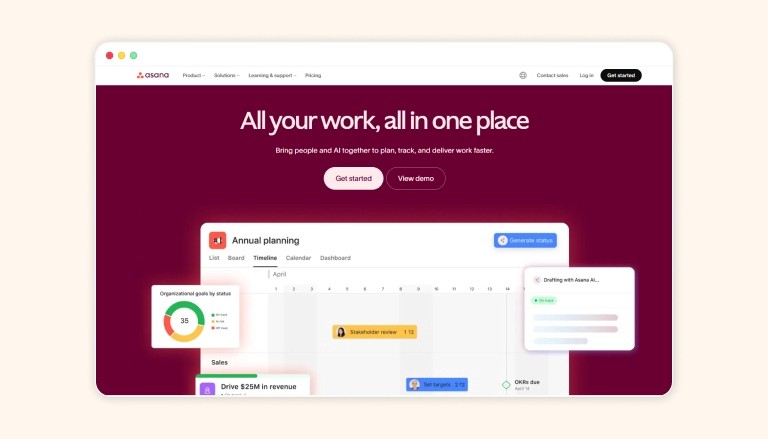
Asana goes beyond basic lists with robust project timelines and dependencies, suiting growing startups coordinating cross-functional teams. Assign tasks, set milestones, and monitor workloads in one view. It’s scalable for everything from weekly sprints to quarterly goals, minimizing miscommunication.
Key Features
Tasks and subtasks break down projects into actionable items with dependencies, custom fields (e.g., priority, status, numbers), and due dates.
Dashboards visualize real-time progress, workloads, and custom metrics.
Forms capture work requests directly into projects for streamlined intake.
Milestones mark key progress points to motivate teams and align on goals.
5. Calendly
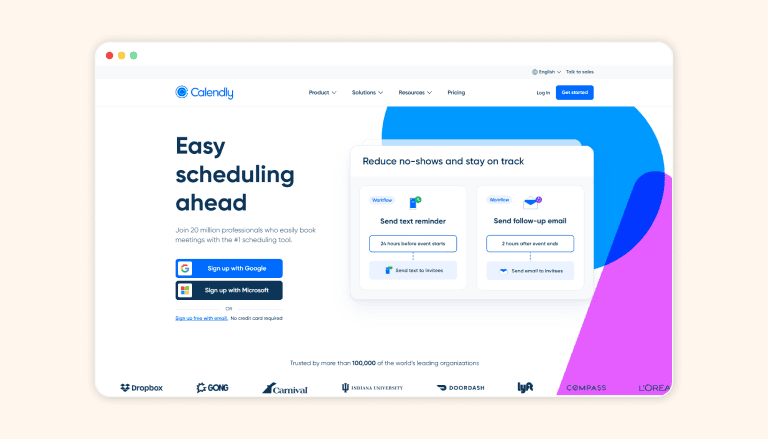
Calendly automates meeting bookings by sharing personalized links that sync with your calendar, eliminating “when works for you?” emails. Entrepreneurs save hours weekly on coordination, with features like buffer times and group polls. It’s a time-saver for investor calls or client demos.
Key Features
Custom event types for one-on-one, group, round-robin, or collective meetings with adjustable durations and availability.
Real-time calendar sync (Google, Outlook, up to six connections) to prevent double-booking and show invitee time zones automatically.
Booking pages with embed options for websites, customizable branding, and one-off links.
Buffer times between meetings and minimum notice periods to protect focus and prep time.
6. Toggl
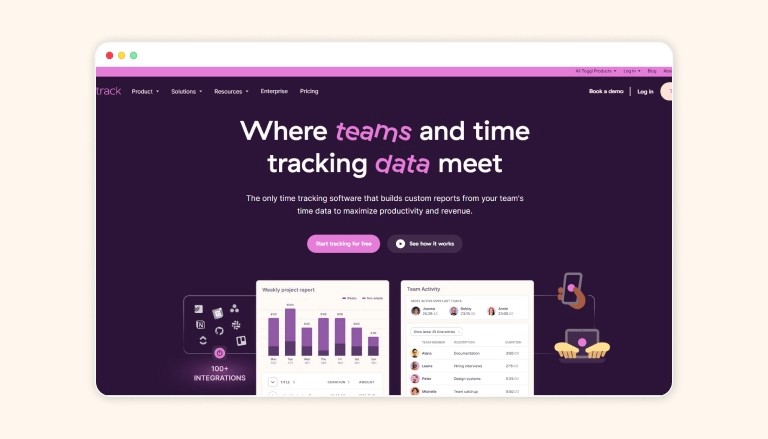
Toggl provides effortless time logging with timers and reports, revealing where entrepreneurs truly spend their days. Track billable hours or spot inefficiencies in product dev cycles. Its simple interface and visualizations help optimize without guesswork, ideal for freelancers scaling to teams.
Key Features
One-click timer to start/stop tracking time on tasks, projects, or clients with idle detection and Pomodoro mode.
Manual time entry with drag-and-drop timeline editing for precise adjustments.
Automated tracking captures time across apps, websites, and documents without manual input.
Detailed reports on profitability, productivity, billable hours, and project breakdowns, exportable to PDF/CSV.
7. Notion
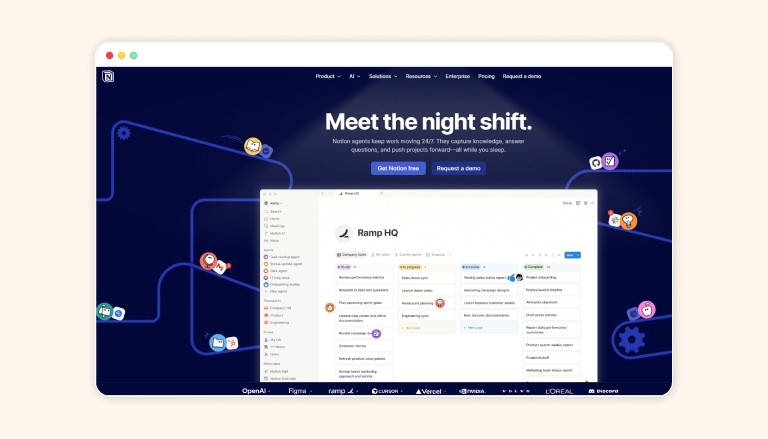
Notion blends notes, databases, and wikis into a customizable workspace, perfect for entrepreneurs building living docs like pitch decks or OKRs. Embed tasks, toggle views, and collaborate in real-time; it’s flexible enough for solo ideation or team handbooks.
Key Features
Pages and blocks (text, images, embeds, toggles) that nest infinitely for custom docs, wikis, or templates.
Databases with views like table, board (Kanban), calendar, gallery, list, or timeline for versatile data organization.
Linked databases and relations connect info across pages for relational setups like CRM or content calendars.
Real-time multiplayer editing, comments, @mentions, and permissions for secure team sharing.
Also Read: Daily Work Management: Steps to Plan and Control Your Day
8. Evernote
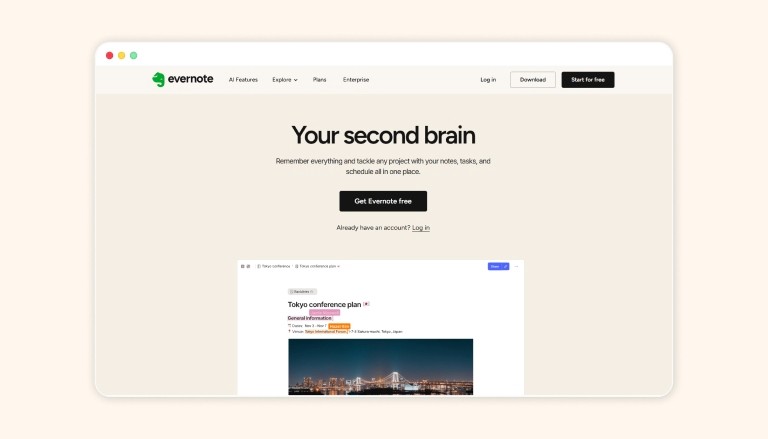
Evernote is a digital brain for clipping web articles, scanning receipts, or jotting voice notes on the fly. Its powerful search and tagging keep entrepreneurial research organized, from market trends to supplier lists. Syncs everywhere for on-the-go access. Key Features
A rich text editor supports web clipping, scanned documents (OCR search in images/PDFs), audio notes, and handwritten input.
Notebooks, stacks, and tags for hierarchical organization; tasks with reminders and due dates.
Templates for meeting notes, projects, or planners speed up common workflows.
AI Assistant generates summaries, rewrites content, extracts action items, and creates new notes from queries.
9. Forest
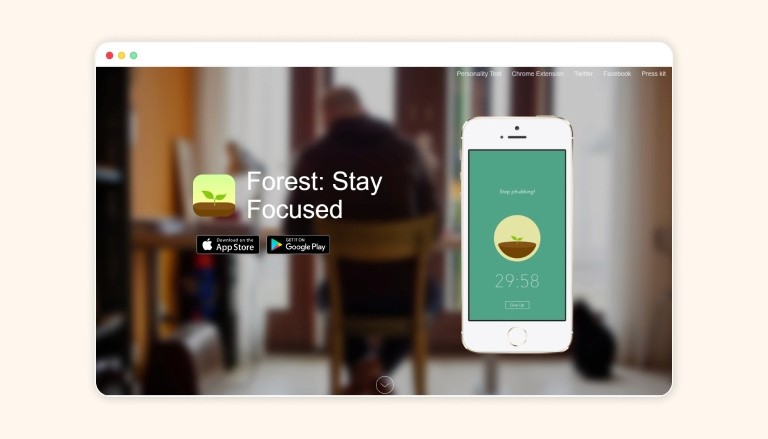
Forest gamifies focus by growing virtual trees during timed sessions; stray to your phone, and it withers. Many entrepreneurs use it to encourage focused work sessions.
Key Features
Plant a virtual tree when starting a timer (10 minutes to 2 hours); leaving the app kills the tree, enforcing discipline.
Customizable allowlists (iOS 16+) block distracting apps while permitting essentials like music or references.
Phone lock mode and deep focus options prevent multitasking during sessions.
Earn coins from successful sessions to unlock 90+ tree species, white noises, and soundscapes.
10. Rize
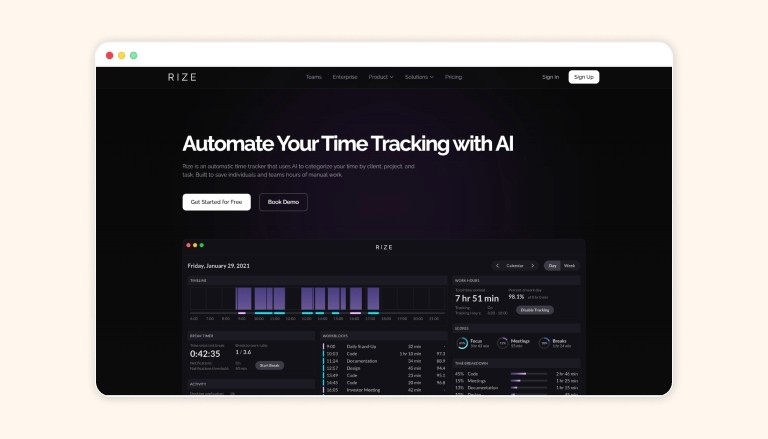
Rize tracks habits and routines with gentle nudges, helping entrepreneurs enforce consistency in journaling or exercise amid busy schedules. It analyzes patterns for insights, like peak energy times, helping users build more consistent daily routines.
Key Features
Captures all time spent on apps, websites, and documents passively, categorizing activities into productive, distracting, or neutral sessions.
AI auto-categorization and project tagging based on keywords, clients, or budgets for effortless logging.
Calculates a daily focus score by detecting deep work, distractions, and app-switching patterns with actionable recommendations.
Multiple dashboard views (daily, weekly, monthly, yearly, custom) plus emailed reports for time breakdowns and trends.
Also Read: Best Productivity Calendar Apps of 2026: Why Task Integration Matters
Conclusion
Productivity is less about accumulating more tools and more about establishing a system that enables predictable and replicable work outcomes. Select a purposeful set of apps that centralize information inputs, automate routine decisions, and safeguard time for focused work.
When these tools are aligned with your specific workflow, not only does execution become more efficient, but productivity improvements can be measured by clear indicators such as increased task completion rates, reduced context switching, and consistent weekly progress.
Ready to make that shift? Try Akiflow’s 7-day free trial to consolidate tasks, schedule real work, and experiment with time blocking. Sign up, connect your calendar and inbox, and run a focused week to see if it reduces friction and increases outcomes.
Frequently Asked Questions
1. What are the top AI productivity tools worth trying in 2026?
Standouts include Akiflow for task scheduling, Google Workspace with Gemini for email and docs, Notion AI for content organization, Motion for auto-planning, and Reclaim for routine protection. Each targets specific workflow frictions.
2. How can AI tools integrate into existing workflows without adding complexity?
Prioritize tools that embed in calendars, emails, or task lists, such as Akiflow’s universal inbox that pulls from Gmail and Slack. They automate delays while keeping you in control, reducing app-switching by up to 50%.
3. Does AI truly boost productivity, or is it overhyped?
Yes, when tied to clear processes, McKinsey estimates $4.4 trillion in gains. Tools like Notion AI cut repetitive tasks, but success requires structured task capture and time blocking first.
4. What features make an AI tool measurable and effective?
Look for quantifiable impacts, such as hours saved weekly or fewer calendar conflicts. Test for seven days; if there are no clear results, drop it. Akiflow shows execution gains via time-block analytics.
5. Which AI tools suit freelancers balancing remote work?
Akiflow and Reclaim excel; Akiflow centralizes tasks from multiple sources with drag-and-drop scheduling, while Reclaim auto-blocks focus time. Both adapt to flexible routines without constant rescheduling.
6.What Makes a Productivity App Essential for Entrepreneurs?
Entrepreneurs don’t have time for apps that demand constant upkeep. The best ones solve core pain points: scattered tasks, endless coordination, and decision fatigue. Key criteria include seamless integration with tools like Gmail or Slack, intuitive interfaces, and minimal learning overhead. Automation is a game-changer too; features like AI-driven suggestions or auto-syncing reduce manual drudgery. But remember, entrepreneurs face unique hurdles: juggling solo deep work with team handoffs or syncing creative brainstorming with rigid deadlines. A strong productivity app should support collaboration without adding unnecessary workflow complexity. It should adapt to your rhythm, whether you’re pitching investors or coding late into the night.
For teams that rely heavily on engineering resources, productivity also depends on access to the right talent and infrastructure. Platforms like index.dev help companies scale development capacity efficiently, making them a valuable addition to modern tech stacks alongside traditional productivity tools.


