Summary
Choose a paper or digital planner according to your workflow, preferences and portability needs, rather than assuming one format suits everyone.
Paper offers handwritten planning and customization without app notifications, but it does not connect to digital tools and requires physical storage.
For digital planning, consider whether you need cross-device access, reminders or task prioritization, and check how the chosen app handles offline use.
Staying organized isn’t just about writing down to-do lists; it’s about taking control of your time and making sure nothing slips through the cracks. Whether you’re managing a hectic workday or balancing multiple personal commitments, having the right planning system can drastically improve your efficiency and reduce stress.
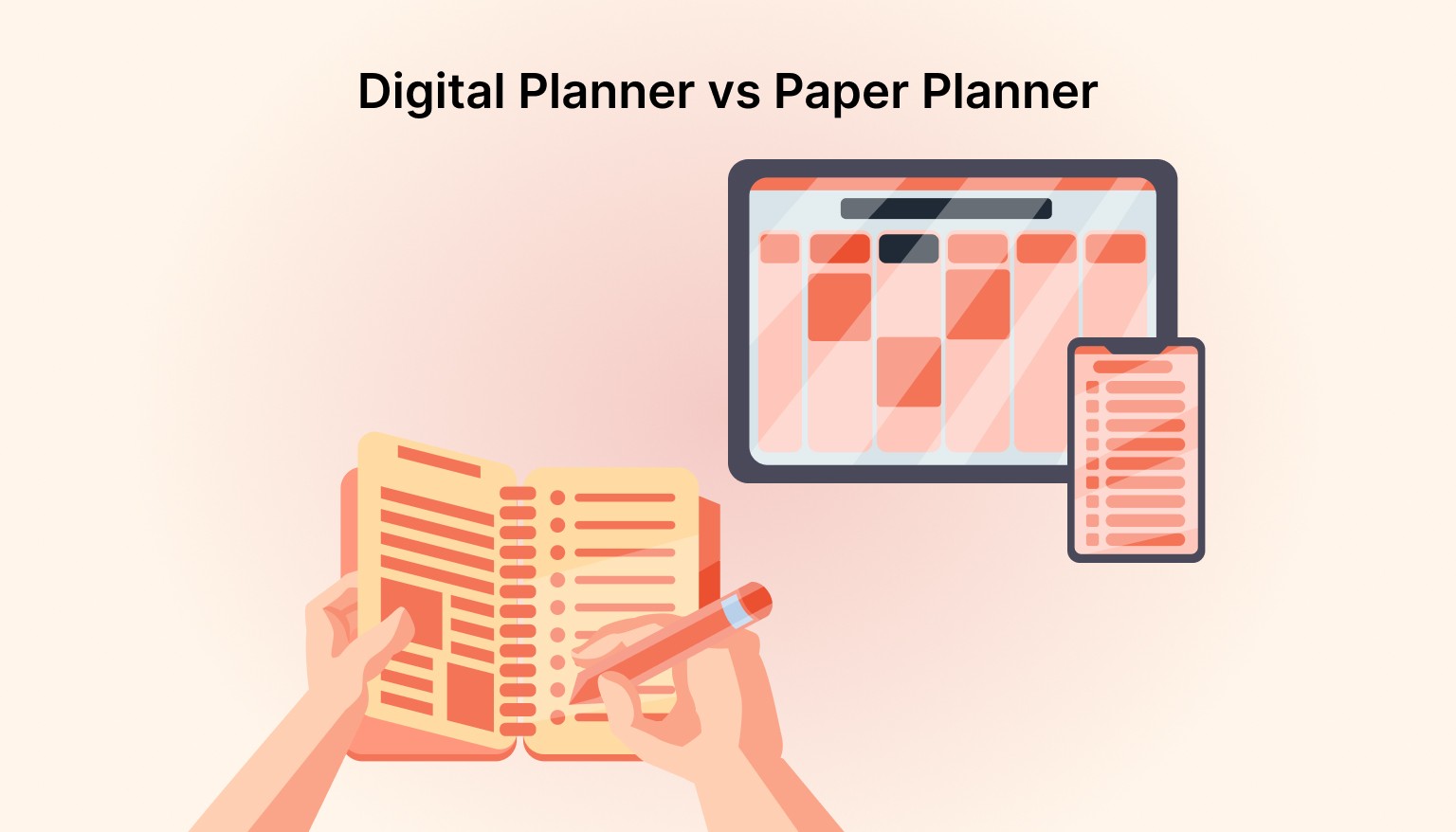
With so many tools available, the choice often comes down to paper vs. digital planners. Both offer distinct advantages, but deciding which will help you get the most done without feeling overwhelmed can be challenging.
In this blog, we’ll dive into the key differences between paper and digital planners, and explore how each can enhance your productivity based on your specific needs and preferences.
Understanding Digital Planners
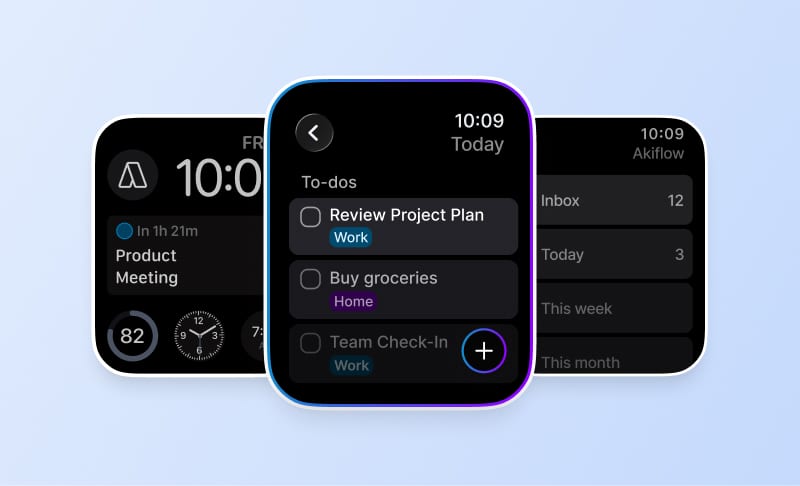
A digital planner is an electronic version of a traditional paper planner. It typically resides on a mobile device, tablet, or computer, and can sync across platforms, offering a flexible way to organize one’s schedule and tasks. Modern digital planners include task-calendar integration tools like Akiflow, which help users plan and schedule work realistically.
These tools allow users to store and access their planning data in real time, helping users schedule tasks, manage deadlines, and execute priorities realistically.
Key Features of Digital Planners
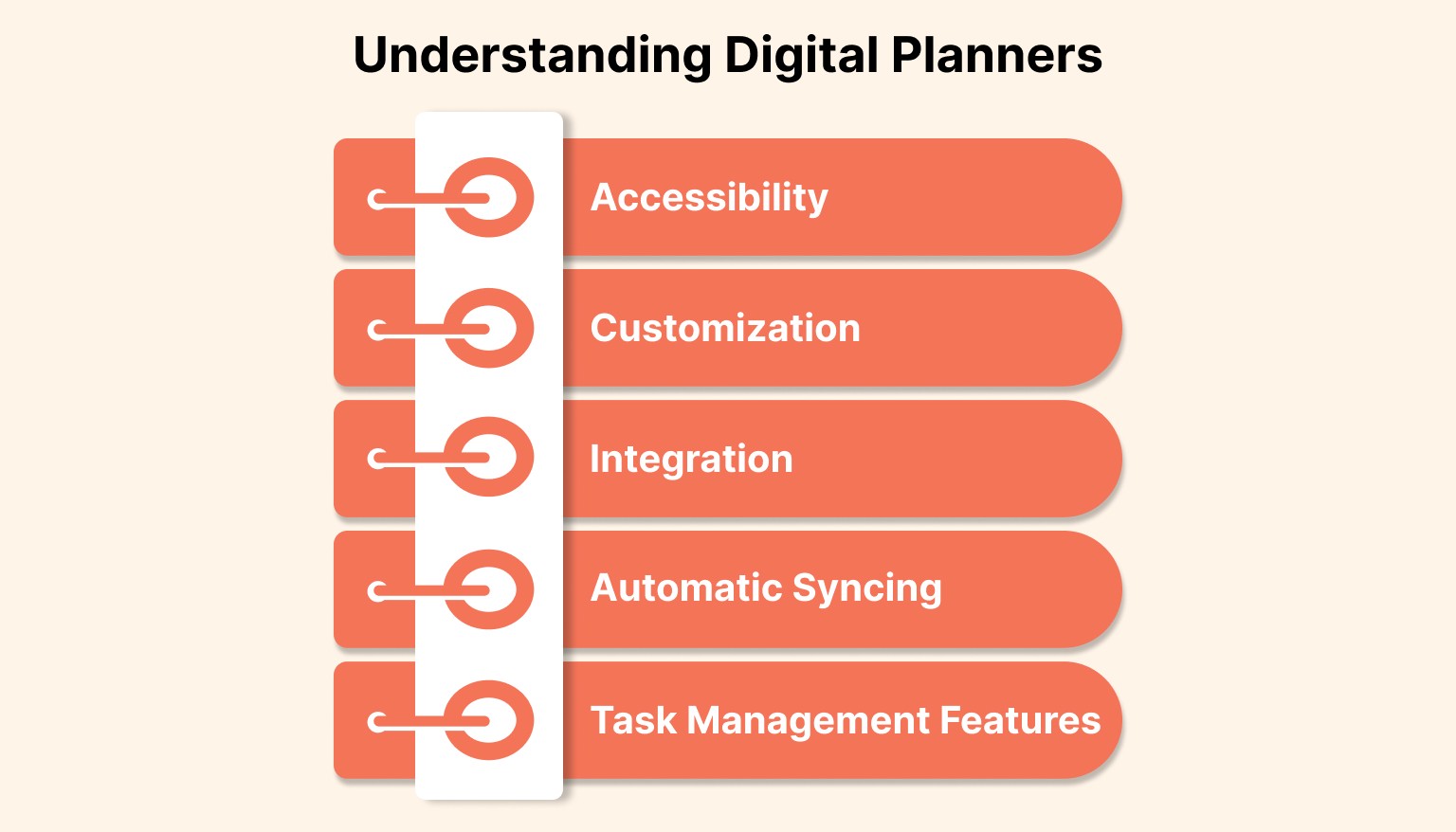
Accessibility: Digital planners are available anywhere you have internet access. This makes them ideal for professionals on the go.
Customization: Many apps allow for personalized themes, notifications, and organizational structures.
Integration: Digital planners often integrate with other tools like email, task management apps, and project management software, making it easier to keep everything in one place.
Automatic Syncing: Changes made in one device are reflected instantly across all devices, eliminating the need to worry about lost data or missing information.
Task Management Features: From time blocking to reminders and task prioritization, digital planners offer a wide range of advanced features to enhance productivity.
Also Read: Why an All-in-One Digital Planner Works Better Than Multiple Apps
What is a Paper Planner?
Despite the rise of digital technology, many people still prefer the tactile experience of a paper planner. Writing tasks down by hand can feel more personal. Students can use a paper planner to break assignments into research, drafting, and revision sessions. From day planners to bullet journals, there are several paper formats for organizing tasks and deadlines.
Advantages of Paper Planners
Tactile Experience: For some, writing by hand feels more satisfying and effective for organizing thoughts.
Fewer Distractions: Unlike digital devices, paper planners don’t have notifications or apps that can disrupt your focus.
Creativity: Many people enjoy customizing their paper planners with designs, stickers, and handwritten notes, making the process more creative.
Simple Setup: There’s no need to learn how to use an app. Paper planners are easy to use right out of the box.
Challenges with Paper Planners
Limited Flexibility: Paper planners lack the real-time syncing and flexibility that digital planners offer. You can’t update them on the go or make changes easily.
Portability: Unlike smartphones or tablets, paper planners are bulky and cannot be accessed anywhere without carrying them.
Storage Issues: Over time, you accumulate old planners that take up physical space. Digital planners don’t have this issue.
Lack of Integration: Paper planners don’t connect with other digital tools, so you can’t sync your tasks and appointments with your email or work apps.
Difference Between a Digital and Paper Planner
When it comes to staying organized, choosing between a digital and paper planner comes down to personal preference and how you work best. Digital planners offer flexibility, integration, and accessibility, while paper planners provide a tactile experience and fewer distractions.
Both have their merits, but the right choice depends on your workflow, preferences, and need for portability.
Here’s a quick breakdown of the key differences between digital and paper planners:
Feature | Digital Planner | Paper Planner |
|---|---|---|
Accessibility | Available on multiple devices, always synced | Requires physical presence |
Customization | Highly customizable, integrates with other apps | Limited to hand-written creativity |
Task Management | Advanced features like reminders, task prioritization | Simple task list management |
Portability | Easy to carry on your phone or tablet | Must be carried physically |
Sustainability | Eco-friendly, no physical materials used | Uses paper, creating waste over time |
Take control of your day and stop letting tasks slip through the cracks. With Akiflow, you can easily integrate your tasks and calendar, turning your tasks into scheduled calendar commitments. Streamline your workflow and boost productivity—try Akiflow for free today.
The Impact of Digital and Paper Planners on Productivity
The type of planner you choose can significantly impact your productivity. While digital planners offer seamless integrations and advanced task management features, paper planners provide a tactile experience that some find more effective for focus and creativity.
Understanding the productivity benefits of each will help you choose the right tool for your unique needs.
Let’s explore how digital and paper planners can affect your daily productivity:
Digital Planners allow users to schedule tasks, receive reminders, and adjust plans dynamically based on real availability.
Paper Planners provide a distraction-free experience and enhance memory retention.
Digital Planners enable quick task adjustments and provide reminders.
Paper Planners foster creativity and personal engagement with planning.
Digital Planners enable time blocking and complex task prioritization.
When Should You Choose a Paper Planner?
While digital tools offer unparalleled efficiency, there’s still value in using a paper planner for certain situations. If you prefer the tactile feel of writing down your tasks, a paper planner might be the right choice for you. Additionally, if you’re managing a simple schedule with fewer commitments, paper planners can be just as effective for keeping track of basic tasks.
When to Choose a Paper Planner:
If you prefer writing things down by hand
If your schedule is relatively simple and doesn’t require complex task management
If you find digital tools too distracting or complicated
If you value creativity and customization in your planning process
Must read: 10 Strategies for Mastering Time Management
When to Choose a Digital Planner?
For professionals dealing with multiple tasks, meetings, and projects, a digital planner is essential. Akiflow helps professionals consolidate tasks and calendars into one view, making it easier to schedule work realistically and stay focused.
Its seamless integration with your calendar and task management system keeps you always on track and prepared for what’s next.
When to Choose a Digital Planner:
If you need to manage multiple tasks and projects
If you want to sync your planner across devices
If you need advanced features like task prioritization, time blocking, and reminders
If you value efficiency and need to stay organized on the go
Akiflow makes it easy to switch from a paper planner to a digital one. Its interface makes it easy to capture tasks, prioritize them, and assign them to real calendar slots.
Recently added to Akiflow
Meeting Assistant: Akiflow’s Meeting Assistant records, transcribes, and summarizes your calls, then surfaces the follow-ups and decisions so nothing gets lost.
MCP (AI integration): Through MCP, Akiflow plugs into AI assistants like Claude and ChatGPT, letting you create and manage tasks, meetings, and deadlines from your favorite AI tool.
AI Workflows: Browse and apply community-built AI Workflows in Akiflow to automate how you plan, capture, and organize work.
Universal Inbox: Akiflow’s Universal Inbox gathers tasks and messages from Gmail, Slack, Notion, Asana and other tools into one view, and turns emails into tasks in a click.
Conclusion
Choosing between a digital planner and a paper planner comes down to personal preference and the complexity of your tasks.
While paper planners offer a tangible, creative approach to organization, digital planners like Akiflow help professionals schedule tasks alongside meetings, improving planning accuracy and execution.
If you’re ready to streamline your workflow, reduce distractions, and improve productivity, Akiflow is the solution you need.
Frequently Asked Questions
When might a paper planner suit my workflow?
Paper may suit a relatively simple schedule or a preference for handwritten notes and personal layouts. Options include day planners and bullet journals, with room for customization. The planner itself has no app notifications, though you will need to account for carrying it and storing old volumes.
Which requirements should guide a digital planner choice?
Consider whether you need to sync planning across devices, prioritize tasks, reserve time blocks or receive reminders. Treat those as features to check in a particular planner, not assumptions about every digital option. Your workflow, preferences and portability needs should determine which capabilities actually matter.
What are the practical limitations of keeping everything on paper?
A paper planner does not connect with digital tools, and old planners accumulate physical storage needs. Those limitations matter when comparing formats alongside your preference for handwriting or customization. A simple schedule may fit paper well, while a need for connected planning tools points to different requirements.
Can I rely on a digital planner without an internet connection?
Check the specific app’s offline access and syncing behavior. Some digital planners allow viewing and updating plans offline, with synchronization happening after a connection returns. When comparing options, distinguish the ability to work with a plan offline from the ability to keep it synchronized across devices.
How can a student use a paper planner for assignments?
Break an assignment into research, drafting and revision sessions instead of recording only the assignment as one item. A day planner or bullet journal can hold those sessions alongside tasks and deadlines. This is one way to use paper for a sequence of work rather than only a deadline list.